
Progress
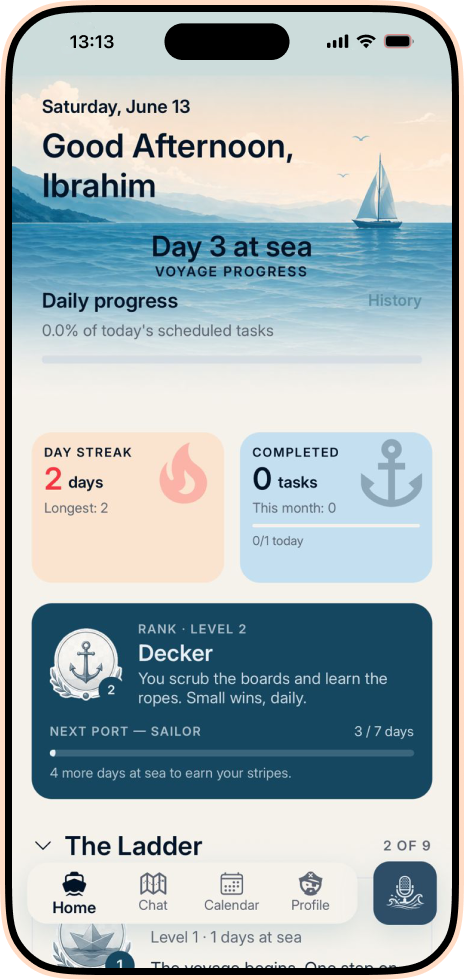
See the voyage, not just the checklist.
Daily progress, active streaks and nautical ranks make consistency visible without turning your life into a spreadsheet.
AI planning for real life
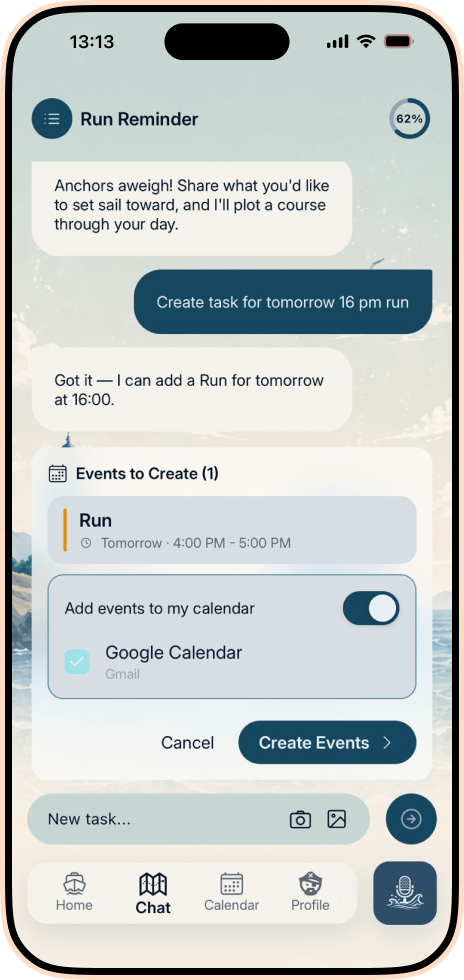
Speak the idea. Review the plan. Let Plan Harbor turn it into tasks, calendar events and reminders you can actually follow.
See how it works
Plan Harbor brings the thought, the task and the time together. You stay in command while the app handles the repetitive work of shaping a plan.
Type, speak or attach an image. Tell Plan Harbor what needs to happen in the same words you would use with another person.
The AI proposes practical tasks or calendar events with dates, times and priorities. You review every detail before anything is created.
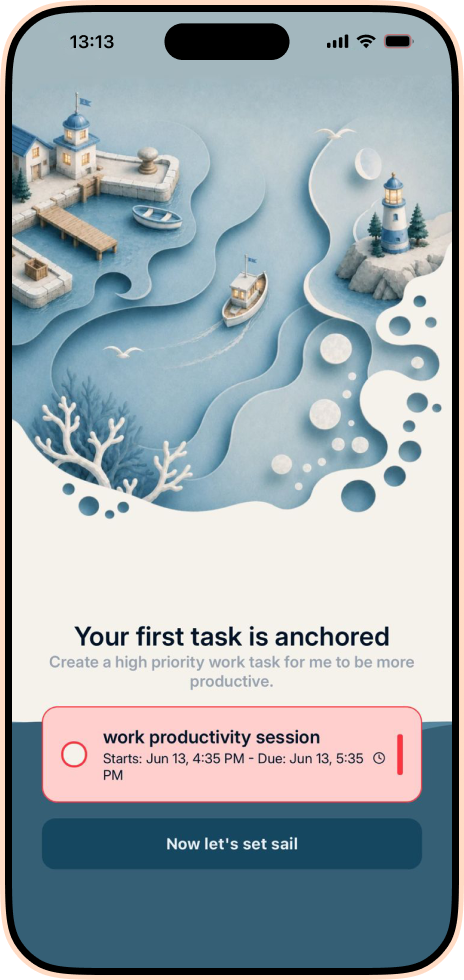
Calendar sync, reminders and a clear daily view keep the plan visible while progress and ranks make consistency tangible.
Progress
Daily progress, active streaks and nautical ranks make consistency visible without turning your life into a spreadsheet.
AI Chat
Use text, voice, camera or an existing image. Plan Harbor prepares the task or event, then waits for your approval.
Momentum
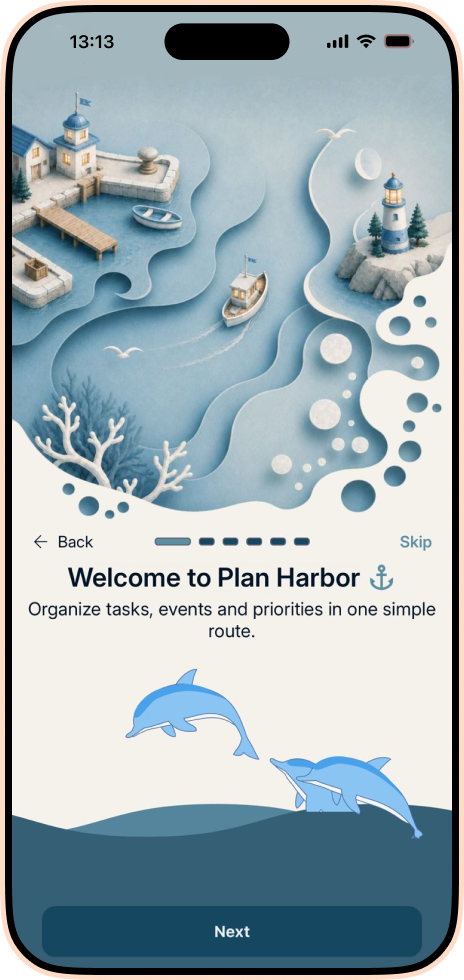
A focused onboarding flow helps you create something useful before asking you to learn every corner of the app.
Meet the app, create your first task, follow progress and plan with AI, all inside one connected experience.
Need help beyond these answers? Talk to the team that builds Plan Harbor.
[email protected]Plan Harbor is an AI-powered personal planning app for iPhone and Android. It helps turn ideas into tasks and calendar events, organize priorities, set reminders and follow daily progress.
Yes. You can speak naturally in AI Chat and review the suggested task or event before adding it to your plan.
Plan Harbor can connect with supported Apple and Google calendars. You choose which calendars are enabled and approve the events you want to create.
Yes. Plan Harbor is available on the Apple App Store and Google Play. The app is free to download and offers optional in-app purchases.
Yes. Plan Harbor follows your preferred light or dark appearance, and this website lets you preview the same two visual moods.
Download Plan Harbor for free on iPhone or Android. Optional in-app purchases are available.